
Turn Google Maps Reviews Into Business Insights
Collect, analyze and decode reviews. Find patterns, detect fraud — no code required.

Built for anyone
who works with reputation data
No code. No pivot tables. Just analysis ready for any decision.
Marketing & Agencies
Analyze competitors before entering a niche. Assess review volumes, rating dynamics and communication strategy — before your client asks.
Business Owners
Detect fake reviews attacking your rating. Build a data-backed case for Google appeals — with patterns, risk scores and timestamps.
Researchers & Analysts
Understand demand seasonality, customer flow and market patterns. Real data for due diligence, investment decisions and market entry research.
Collect, analyze and report
in one extension
Install once — get full review analytics for any business on Google Maps.
Bulk Review Collection
~250 reviews per minute, directly in your browser. Runs in the background — no Google authorization required, keep working while data loads.
Author Overlap Network
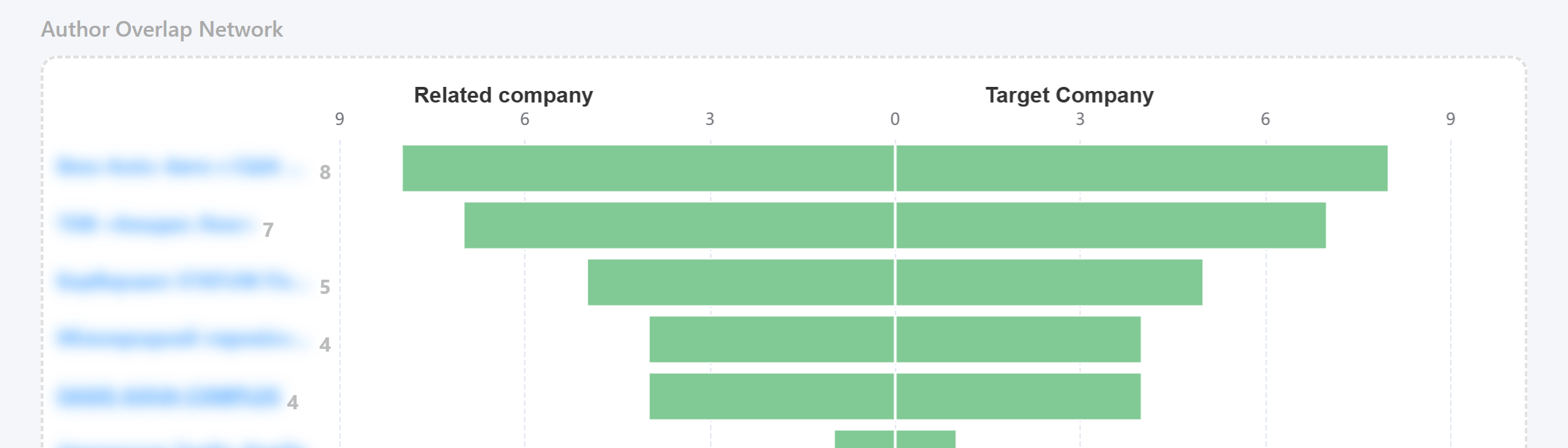
See which other businesses each reviewer has rated. Uncover shared audiences, spot coordinated activity and map connections between companies.
Suspicious Activity Report
Automatic Risk Score for every suspicious network cluster. Built-in argumentation for Google appeals — with exact patterns, coordinated profiles and time intervals.
Flexible Data Export
Download collected reviews as CSV or JSON — ready for Excel, Google Sheets, Tableau or Power BI.
One report. Every insight you need.
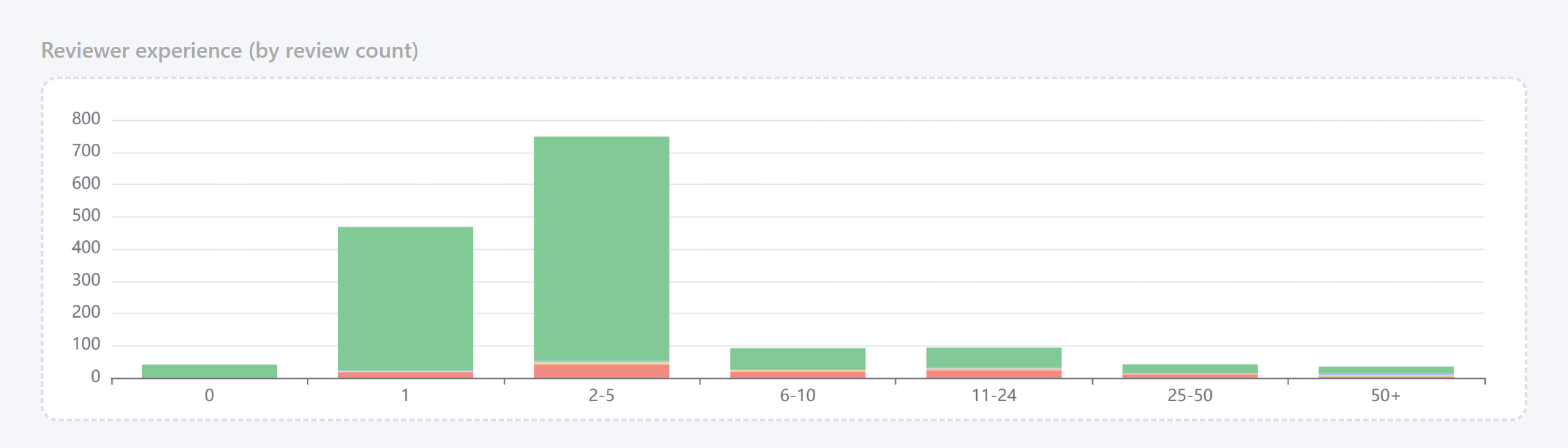
From raw reviews to a full analytics report — in minutes.


Not just charts —
context to go with them
Every report section includes built-in interpretation hints to guide your analysis.
How to read it
Each chart explains what it measures and what business question it helps answer.
Anomaly signals
Specific patterns that point to unusual or suspicious activity. Know what to look for.
Natural explanations
What may look suspicious but have an organic cause — to avoid false conclusions.
What you can do
with ReviewStatLab
Real problems our users solve every day.
Fraud defense
Collect evidence for a Google appeal: time patterns, Risk Score and suspicious author network — ready-made argumentation.
Competitor analysis
Assess real customer flow, promotional strategy and rating integrity of any Google Maps business before entering a niche.
Marketing effectiveness
See how campaigns impact review volume and rating dynamics on Google Business — before and after.
Seasonality & demand
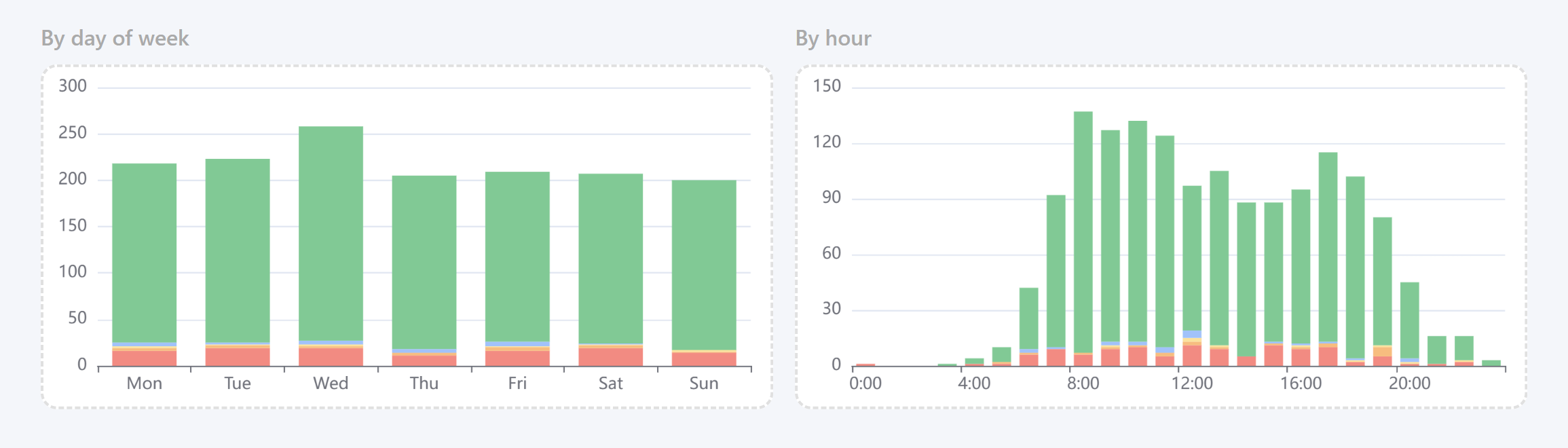
Identify peak days and hours from Google Maps review patterns. Understand real customer flow and demand cycles.
Business due diligence
Independent reputation assessment before a partnership or investment — real Google Maps data, not just a star rating.
Customer communication
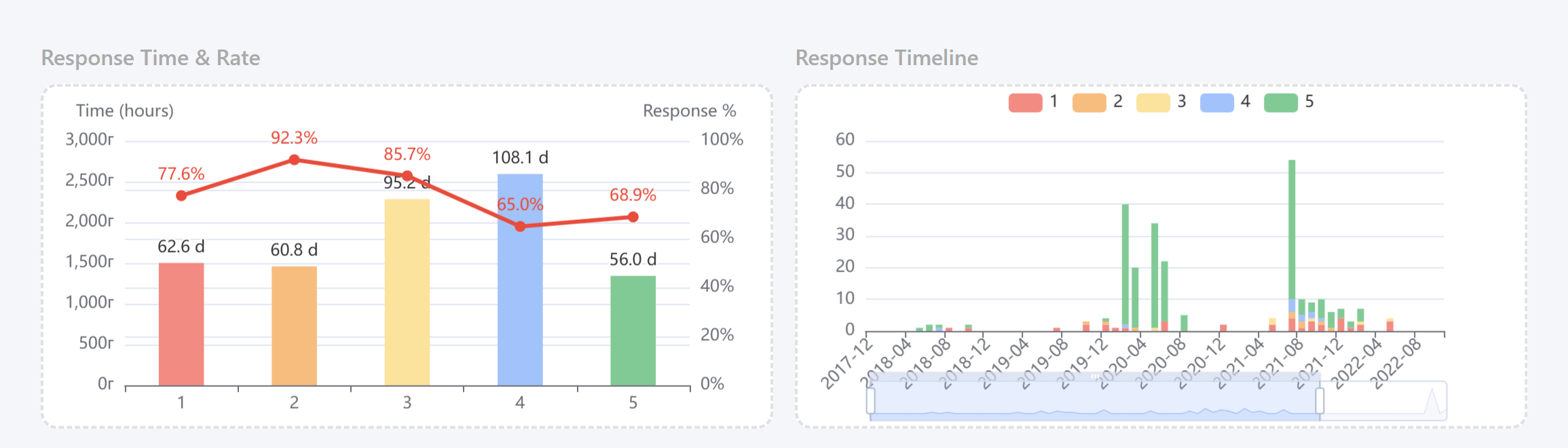
Analyze response time and patterns on Google reviews. Find weak spots in how a business communicates with its customers.
Your data —
your format
Export structured review data for Excel, Google Sheets or any BI tool.
Install now
First analysis in minutes after install. Free plan included — no sign-up required.
Supports Chrome, Firefox and Edge
Latest v2.15.4